



Nissan Frontier: Instruments and Controls - Parking Aids system switch
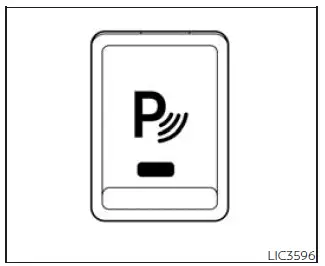
The Parking Aids system switch located on the instrument panel of the Nissan Frontier allows the driver to conveniently activate or deactivate several advanced parking and safety-assistance technologies. To operate these systems, the ignition switch must be in the ON position.
- Rear Sonar System (RSS)
- Moving Object Detection (MOD) (if so equipped)
- Rear Automatic Braking (RAB)
- Rear Cross Traffic Alert (RCTA)
Whenever these Nissan Frontier assistance systems are enabled, the indicator light on the switch illuminates to confirm that the selected features are active and ready to assist the driver.
If the indicator light begins flashing while the RSS, MOD, RAB, or RCTA systems have not been manually turned off, this may indicate a malfunction within one or more of these systems. In such cases, the vehicle should be inspected according to the recommended service procedures.
The RSS, MOD, RAB, and RCTA systems automatically return to the ON state under the following condition:
- When the ignition switch is changed from the OFF position to the ON position.
The automatic activation feature can be customized through the Nissan Frontier vehicle information display, allowing drivers to enable or disable the automatic turn-on function according to personal preference.
These intelligent parking technologies are designed to enhance awareness during low-speed maneuvering, helping the driver detect obstacles, moving objects, and approaching vehicles that may otherwise be difficult to notice.





